

Offer expiration
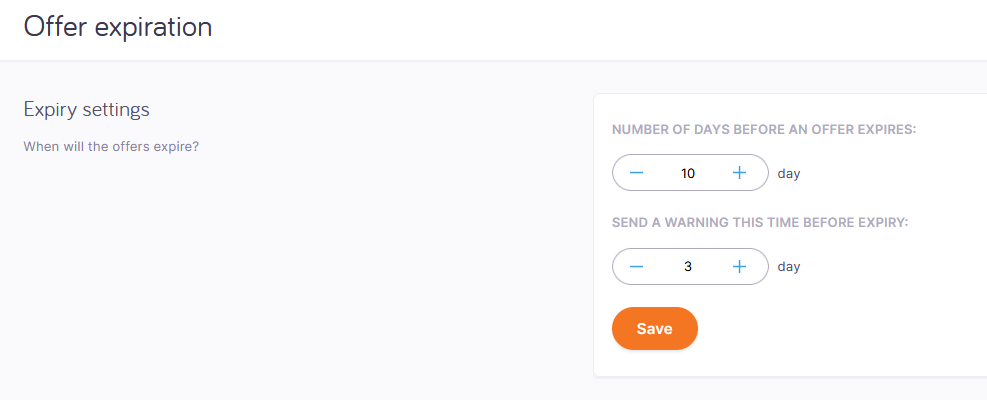
When a customer requests a translation or a quote, memoQ TMS analyzes the documents and creates an offer. The customer can accept or decline the offer before it expires. On this page, you can set the offers' expiry time and warning time.
How to get here
- Log in to memoQweb as an administrator.
- On the left sidebar, click Admin.
- Under Admin, click Customer portal.
- Under Customer portal, click Offer expiration. The Offer expiration page opens.
-
What can you do?
-
Under Number of days before an offer expires, set how much time the customer has to accept or decline the offer.
-
Under Send a warning this time before expiry, set when the customer gets a notification email about the offer to expire.
When you finish
To save your changes, click Save.