Subscribe or start a trial
To use memoQ AGT, you need a memoQ TMS subscription.You can subscribe to memoQ AGT only after your free trial ends. You can also use memoQweb, WS API (AiTranslate), or, if you have memoQ version 12.0 or later, you can run an automated action in a template.
You can subscribe to memoQ AGT only after your free trial ends.
First, start a free trial
To use memoQ AGT you need memoQ 10.4 or above.
Your memoQ AGT starts with a 14 days free trial:
-
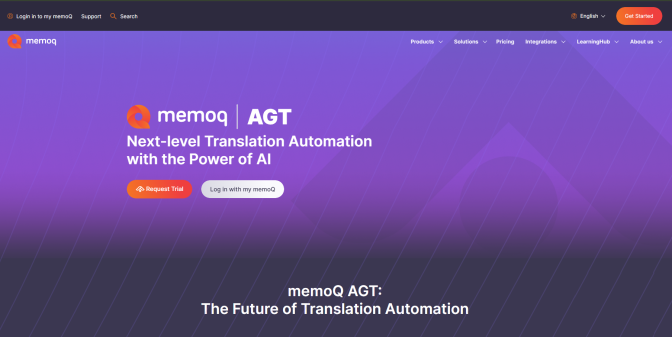
Go to memoQ AGT.
-
Click the Request Trial button.
-
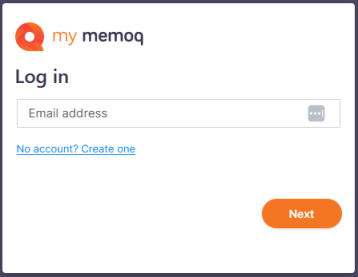
The my memoQ login page window opens.
-
If you don’t have an account yet, click No account? Create one.
If you do, log in.
-
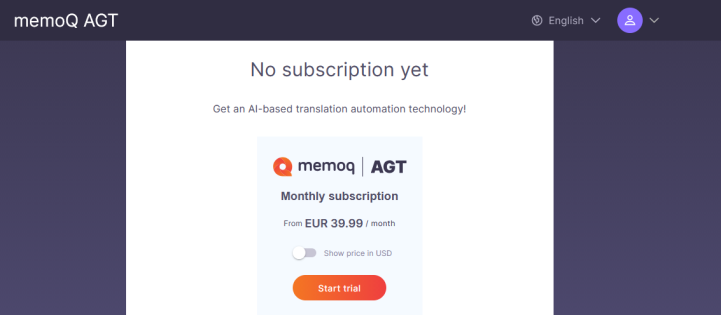
To start your test ride, on the memoQ AGT page, under No subscription yet, click Start trial.
-
We’ll redirect you to the dashboard, where you can start your free 14-day trial.
Subscribe to memoQ AGT
You can subscribe to memoQ AGT only after your free trial ends.
To do that:
-
Go to memoQ AGT.
-
Click the Log in with my memoQ button.
-
The my memoQ login page window opens.
-
To start your subscription, on the memoQ AGT page, under No subscription yet, click Subscribe now.
-
The Subscribe to memoQ AGT page opens.
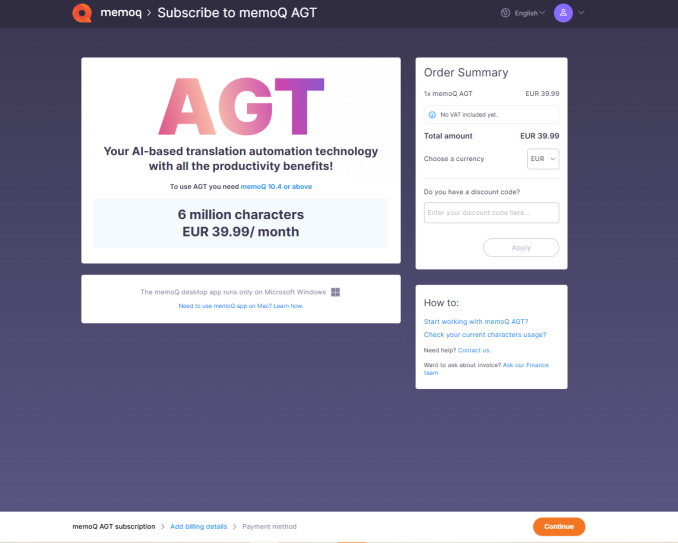
Here you can:
-
Check all the basic information about your subscription.
-
Choose your currency.
-
Add a discount code.
-
-
The Billing details page opens.
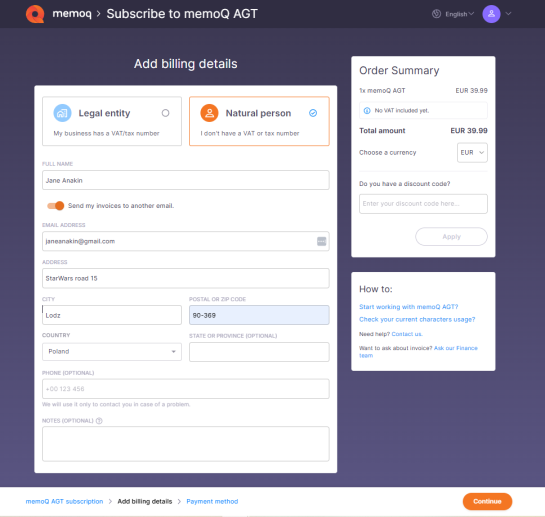
First, choose if you're a company (legal entity) or an individual (natural person), and fill in your billing details.
Click Continue to confirm and move to the next step.
-
The Secure payment page opens.
You can only use your credit/debit card to pay for your subscription.
After you click the Complete order button. my memoQ redirects you to our secure payment provider where you can complete the payment process.